
 By Ahmad Bilal · November 21, 2026
Write your post anywhere. Attach your photos. Send one email. A few minutes later it’s live on your WordPress site, with every heading, list, table and picture exactly where you put it. I built this plugin to run this very website, and now it’s free for yours too.
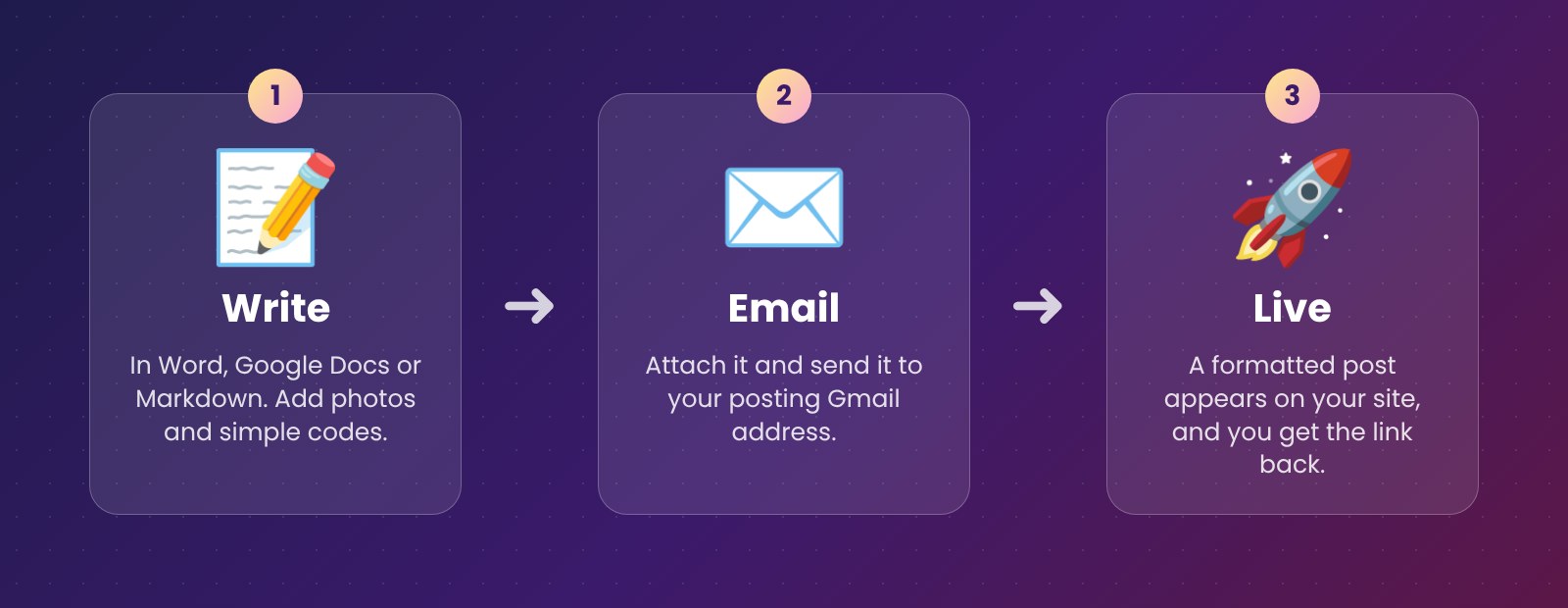
Everything it does
📄 Keeps your formatting
Word (.docx), Markdown and HTML documents arrive with their headings, lists, tables, bold text and links intact.
🖼️ Handles your photos
Pictures and videos go straight to your Media Library. Place each one exactly where you want it, with a caption.
🎮 Keeps pages interactive
Simulations, quizzes and lab pages with scripts stay fully interactive inside the post.
🏷️ Codes do the admin
Set the category, tags, excerpt, draft or publish, and even a future publishing date, right inside your document.
🎨 Design elements
Coloured boxes, notes, tips, columns, pull quotes, fold-outs, banners, buttons and galleries, all from simple codes.
🔁 Update by reply
Reply in the same email thread with new files and the post updates. A confirmation email brings you the link.
🔒 Safe by design
Only emails from your allowed senders are published, and Gmail’s anti-forgery checks (SPF, DKIM, DMARC) are verified on every message. The plugin talks only to your own Google account.
Set it up in 10 minutes
- Download the zip above. In WordPress go to Plugins → Add New → Upload Plugin, choose the zip, install and activate.
- Open Settings → BugzYard Mail. The page walks you through a one-time Google setup: turn on the Gmail API, create a web client, paste its ID and secret.
- Press Connect Gmail, add your own address to Allowed senders, and send yourself a test post.
Pro tip
Use a “plus” address like you+post@gmail.com as your posting address. Gmail delivers it to your normal inbox, and only emails sent to that address are ever published.
Codes cheat sheet
| Write this in your document | What happens |
|---|---|
[bz-category Travel] | Puts the post in the Travel category |
[bz-tags summer, family] | Adds tags |
[bz-status draft] | Saves it as a draft instead of publishing |
[bz-date 2026-12-01 09:00] | Publishes it at that time |
[bz-photo beach.jpg | Caption] | Places an attached photo right there |
[bz-tip] … [/bz-tip] | A green tip box around the text |
[bz-columns] … [bz-next] … [/bz-columns] | Side-by-side columns |
The full list is on the plugin’s settings page.
I wanted to write the way I always write, in a document with my photos, and have it appear on my website without fighting the editor. That’s exactly what this does.
Questions
Is it really free?
Yes. It’s free and open source (GPL), with no paid version and no ads.
Do I need a Gmail account?
Yes, the plugin reads a Gmail mailbox through Google’s official Gmail API. Your normal Gmail with a “plus” posting address works, or a separate Gmail used only for posting.
How do updates work?
Your site checks bugzyard.com about twice a day and installs new versions automatically. You can switch automatic updates off on your Plugins page. The check only asks for the latest version number; nothing about your posts or emails is sent.
What does it add to my site?
A small “Published by email with BugzYard Mail” line under posts that arrive by email. It helps others find the plugin, and you can switch it off in the settings.
Which documents work best?
Word (.docx) is the most complete. Markdown (.md) and HTML work great too, and you can also just write in the email itself.
👋 Made by Ahmad Bilal
Engineer and educator from Pakistan. I build small tools that save time, and I run Paws Rescue for street animals. Questions or ideas? Leave a comment below or say hello.