Play Basys 3 FPGA games in your browser: the simulation runs on your own PC, no board needed. Pick a game to see how to play it.
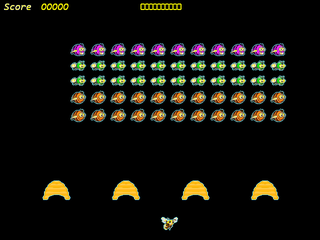
Bee Invaders (Space Invaders style)
Verilog · buttons, sprites from .mem files, Clocking Wizard (no .xci)
btnL / btnR (Left/Right arrows) move, btnU (Up arrow) fires, btnC (Space) resets
Source: AdrianFPGA/basys3
Play ▸
FlaPGA Mario (Flappy Bird style)
Verilog · buttons, 3 ROM images, BGM on JXADC
Wait for the 5 s start screen. btnU (Up arrow) flaps, btnC (Space) restarts
Source: howardlau1999/flapga-mario
Play ▸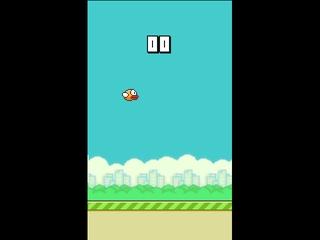
Flappy Bird with Q-learning AI
Verilog · USB keyboard (PS/2), 17 Block Memory ROMs from .coe files, a custom keyboard IP
Space on the keyboard flaps (keyboard goes to PS/2 automatically). sw0 = Q-learning mode, btnD = reset
Source: engine210/qhoenix
Play ▸
Tetris
SystemVerilog · buttons, Clocking Wizard 30 MHz + 25.175 MHz, music on JB1/JC1
Press btnC (Space) first to start! btnL/btnR move, btnU rotates, btnD drops
Source: deterjan/FPGA-Tetris
Play ▸
Pac-Man (VHDL, 800x600)
VHDL · serial terminal (USB-UART 9600 baud), Clocking Wizard 40 MHz, 3 Block Memory ROMs (.xcix)
Typing goes to the USB-UART automatically: W A S D move. sw0 = reset
Source: atahanyorganci/pacman-in-vhdl
Play ▸
Two-player reaction time game (ENEL453)
VHDL · VGA, buttons, switches, 7-segment, buzzer
sw15 = reset, sw14 = new game, sw13 = start, sw12 = show score, sw11 = set high score, sw10 = clear high score. Player 1 = btnL, player 2 = btnR, btnU/btnD = rounds to play. Heavy design: runs slowly (about 1 picture every 2 s)
Source: ewanmay/ENEL453FinalProject
Play ▸
PONG with score text (keyboard)
Verilog · USB keyboard (PS/2), text ROM
A = up, S = down on the keyboard (goes to PS/2 automatically). btnR = reset
Source: Ahtishamu/PONG-Basys-3-
Play ▸
Pong for two players (keyboard)
Verilog · USB keyboard (PS/2), 7-segment score
Left player W / S, right player Up / Down arrows. btnC = reset
Source: RogerQi/FPGA_Pong
Play ▸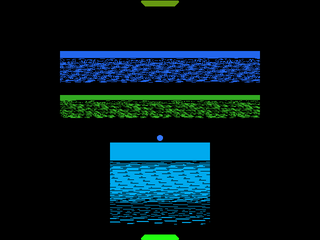
Pong (VHDL, buttons)
VHDL · buttons, switches
btnL / btnR (arrows) move the paddle, sw14 / sw15 set the difficulty
Source: efeacer/PongGameVHDL
Play ▸
Snake (buttons, timed mode)
Verilog · buttons, switches, 7-segment score
Press an arrow to start; arrows steer. sw15 = timed mode, sw0 = restart
Source: vladrumyan/Snake-Game
Play ▸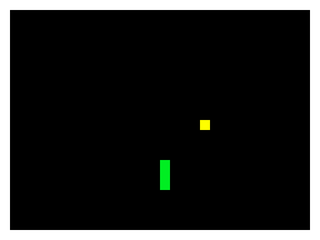
Snake (keyboard)
Verilog · USB keyboard (PS/2)
Press btnC (Space is sent to the keyboard, so click btnC with the mouse) to start, then the arrow keys steer
Source: Claudiolisyus/SNAKEGAME-VERILOG
Play ▸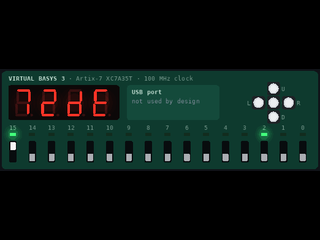
HC-SR04 ultrasonic sensor test
Verilog · ultrasonic sensor on JA, 7-segment
Turn on the switch for continuous measuring (or press btnD once). Move the distance slider. The 7-segment shows the echo time in clock cycles (hex)
Source: suoglu/HC-SR04
Play ▸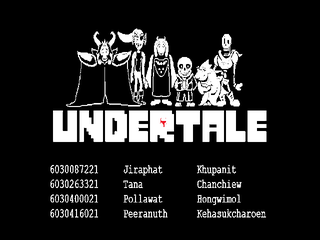
Undertale-style battle
Verilog · USB-UART keyboard, sprite images (.list ROM files)
Type in the UART card (the window's terminal): Enter = next page, W A S D move the heart, Space = select / attack.
Source: tongplw/Undertale-Verilog
Play ▸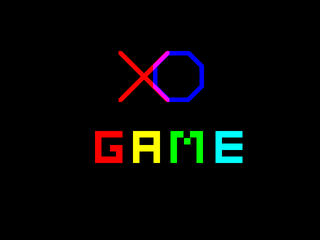
Tic-Tac-Toe (XO)
Verilog · buttons, VGA
Arrow buttons (btnU/L/R/D) move the cursor, btnC places X or O. sw15 = reset. Two players take turns.
Source: rootEnginear/CPE223_XO-Game
Play ▸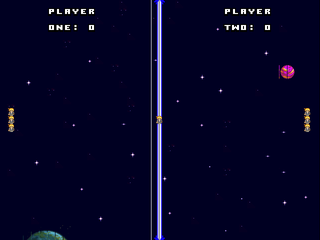
Sprite game console (space duel)
Verilog · 2 SNES game pads, a small CPU + tile graphics
Two SNES pads on JA (Gamepad cards; pad 1 = arrow keys + Z/X/Enter, pad 2 = I J K L + N/M/P). sw15 = reset. A home-made 16-bit console running a two-player space game.
Source: jccherry/Sprite_Console
Play ▸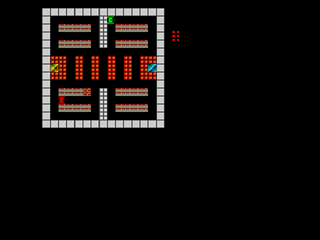
Bang Bang Tank (Tank 1990)
SystemVerilog · buttons, PmodKYPD keypad, PS/2 keyboard
Player 1: arrow buttons move, sw0 shoots. Player 2: the 4x4 keypad on JB (or the keyboard). sw15 = reset.
Source: halilsahiner/Bang-Bang-Tank
Play ▸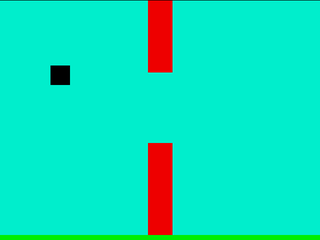
Flappy Square
Verilog · buttons, VGA (3-3-2 colour)
btnD resets, btnC starts, btnU flaps. Score dots bottom right, best score on the 7-segment display.
Source: alexswo/FlappyBird
Play ▸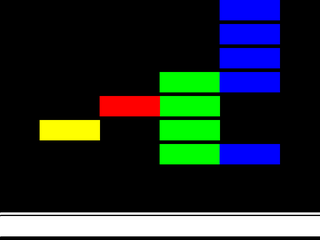
Guitar Hero
SystemVerilog · 4 external buttons (frets), speaker, 800x600 VGA
sw0 = start, sw1 = reset. Hit the frets when the notes reach the bottom: keys A S D F (or click the Fret cards).
Source: buraksibirlioglu/FPGA-Guitar-Hero
Play ▸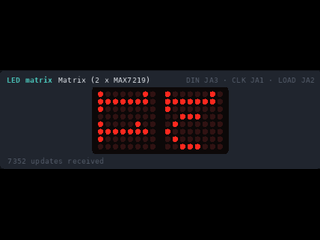
Marble Maze (LED matrix)
SystemVerilog · 2 MAX7219 8x8 LED matrices, buttons, 7-segment
First flip sw0 (reset) on and off once. Choose the level with btnU / btnD and start with btnC, then roll the marble with the arrow buttons into the goal hole. The maze is on the LED matrix card.
Source: yalchinAlv/MarbleMazeGame
Play ▸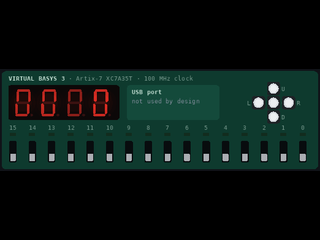
Simon (LEDs + 7-segment)
Verilog · buttons, LEDs, 7-segment
sw15 = reset (switch it on and off to start). Watch the LED pattern, then repeat it with the buttons. Score on the 7-segment display.
Source: ISmillex/Simon-Game-FPGA
Play ▸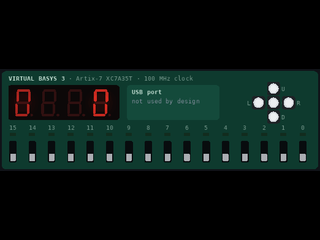
LED Ping-Pong (two players)
Verilog · buttons, LEDs, 7-segment
The ball is a light running along the LEDs: player 1 hits it back with btnL, player 2 with btnR when it reaches the end. sw15 = reset. Score on the 7-segment display.
Source: bizkiwi/verilog-fpga-pingpong-game
Play ▸
Atari Pong
VHDL · 4 external buttons (paddles), VGA
btnC = start / pause. Player A: W / S, player B: I / K (external paddle buttons on JA and JB). btnU / btnD = bigger / smaller ball, btnL / btnR = smaller / bigger paddles.
Source: mena-david/Atari-Pong-VHDL
Play ▸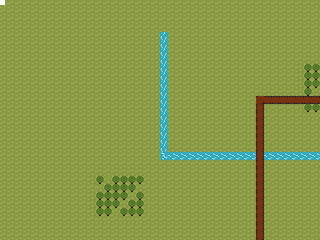
Tile world explorer
SystemVerilog · buttons, scrolling tile map
Arrow buttons walk the player around a world bigger than the screen; the camera follows. Water and trees block the way.
Source: AdvaitParanjpe/pixelForge
Play ▸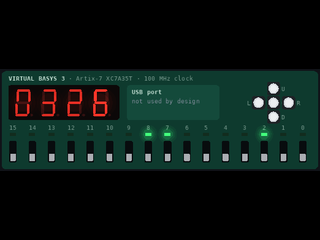
Blackjack
Verilog · buttons, LEDs, 7-segment
btnC = new game, btnL = hit, btnR = stand. Your total and the dealer's on the 7-segment display; LD0 = win, LD2 = lose, LD1 = draw.
Source: lynzoie/Blackjack
Play ▸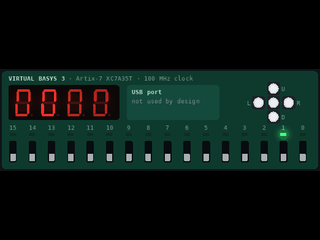
Stop the light (LED arcade)
Verilog · buttons, LEDs, 7-segment
A light runs back and forth over the 16 LEDs: press btnC exactly while LED 7 is lit. Each hit makes it faster. btnU resets the score, btnD also the high score. sw0 = hard mode.
Source: ArmaanKafaipour/Basys-3-FPGA-Arcade-Game-Verilog
Play ▸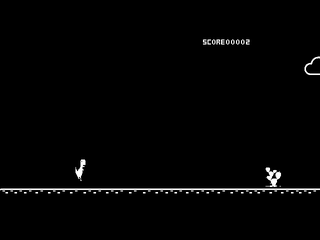
Dino Run (Chrome T-Rex)
Verilog · buttons, VGA sprites
btnU jumps over the cactus, btnD ducks under the birds. Score top right.
Source: Naresh-812/Dyno_game_on_basys3FPGA
Play ▸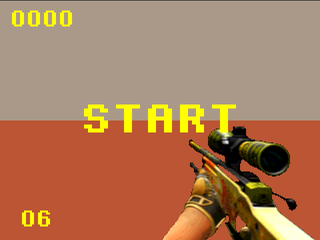
3D Raycasting shooter
SystemVerilog · PS/2 keyboard, buttons, 3D raycasting
Press F2 so your keyboard goes to the FPGA. W A S D move, arrow keys turn, Space shoots, R reloads; btnC starts. sw0 = run (on).
Source: Exstar63/2026_LD_Lab_Final_Project
Play ▸
Square Catch
Verilog · buttons, VGA, 7-segment
Move your square with btnU / btnL / btnD / btnR and catch the targets. btnC resets. Score on the 7-segment display.
Source: phucthaiv02/FPGA-project
Play ▸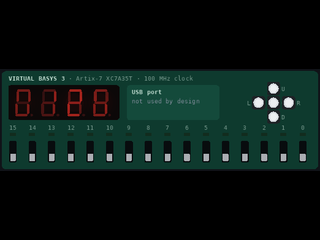
Slot Machine
Verilog · buttons, switches, 7-segment
btnD spins the four reels on the 7-segment display, sw0 / sw1 stop them; matching numbers score. btnR resets.
Source: ryandc-yeo/FPGA-Slot-Machine
Play ▸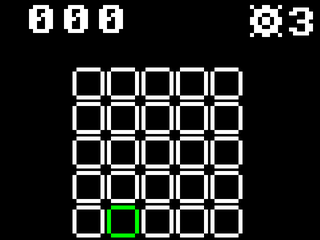
Minesweeper (SNES pad)
Verilog · SNES pad via the Gamepad Pmod, VGA
Start begins (Enter), the D-pad moves the cursor (arrow keys), A opens a square (X key), B flags it (Z key). 5x5 board, 3 mines.
Source: splexmus/2110597_minesweeper
Play ▸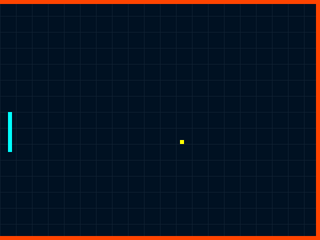
Pong (one player)
Verilog · buttons, switches, LEDs, 7-segment
btnU / btnD (arrow keys) move the paddle, btnC (Space) restarts, sw0 pauses, sw1 doubles the speed. Score on the 7-segment display, misses on the LEDs.
Play ▸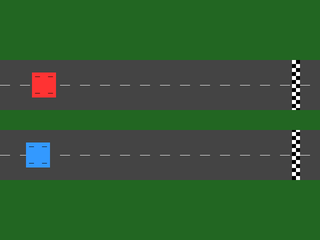
IR drag race (two players)
VHDL · 2 IR sensors, Clocking Wizard IP
Each player 'waves a hand' over an IR sensor: hold Z (player 1) or X (player 2), or click the sensor cards. Every pass moves that car forward; first over the line wins. btnC starts a new race.
Play ▸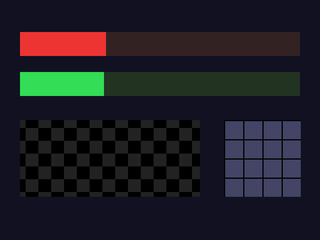
Sensor dashboard
Verilog · ultrasonic, load cell, 4x4 keypad, 800x600
Move the distance and weight sliders, type on the keypad (numeric keypad keys or click). sw0 = show distance on the 7-segment display, sw1 = show weight.
Play ▸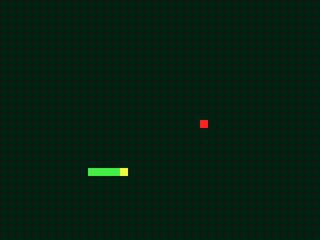
Snake with a USB keyboard
Verilog · PS/2 keyboard on the USB port
Press F2 once so your keyboard goes to the FPGA, then arrow keys (or W A S D) steer and Space restarts. Length on the 7-segment display.
Play ▸
Paint with a USB mouse
Verilog · PS/2 mouse on the USB port
Move the mouse over the screen: the left button paints, the right button clears. The switches choose the colour.
Play ▸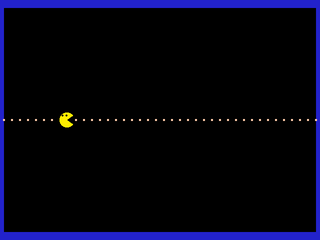
Pac-Man sprite from a ROM
Verilog · Block Memory ROM IP (.coe)
Arrow buttons move Pac-Man, it eats the dots. Score on the 7-segment display.
Play ▸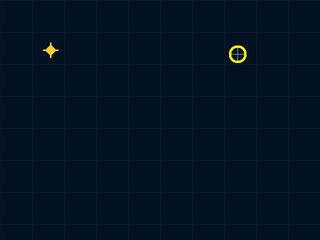
Star catcher with a joystick
Verilog · Digilent PmodJSTK on JA (SPI)
Move the ring onto the star: drag the joystick on the card, or keys I J K L, or a USB game controller. H = stick press (yellow ring), U = BTN1 (bigger ring). btnC resets the score.
Play ▸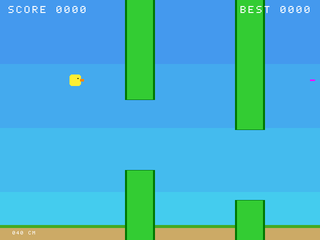
Sonar Flap (ultrasonic)
Verilog · HC-SR04 ultrasonic sensor, VGA
Your hand height over the ultrasonic sensor sets the bird's height: drag the distance slider (or the sensor card). btnC starts. sw0 = distance on the 7-segment display, sw1 = easy mode.
Play ▸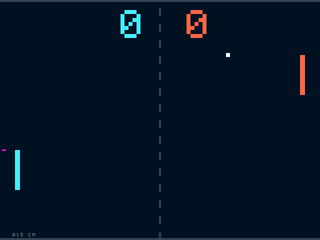
Hand Pong (ultrasonic)
Verilog · HC-SR04 ultrasonic sensor, VGA
Your paddle follows your hand above the ultrasonic sensor (5-45 cm): move the distance slider. First to 7 beats the computer. No sensor: sw15 on, then btnU / btnD. btnC = new game.
Play ▸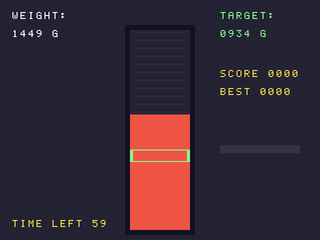
Steady Hands (load cell)
Verilog · HX711 load cell, VGA
Press the scale to the target weight and keep it inside the green band for 2 seconds: move the weight slider. 60 seconds per game. btnC starts, sw1 = easy.
Play ▸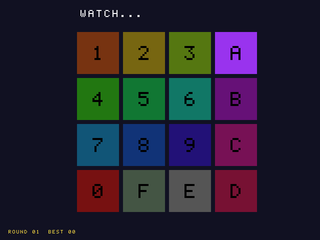
Keypad Memory (Simon)
Verilog · PmodKYPD 4x4 keypad, speaker, VGA
Watch the tiles light up, then type the same sequence on the keypad (numeric keypad keys, or click the keypad card). One more step every round. btnC starts, sw0 = slower. A speaker on JB1 plays a note for each tile (sw15 = silent).
Play ▸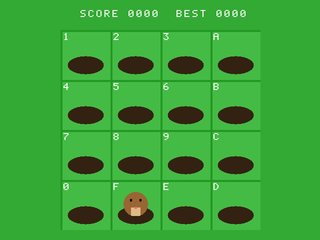
Keypad Whack-a-Mole
Verilog · PmodKYPD 4x4 keypad, speaker, VGA
A mole pops out of a hole: hit the key printed on that hole before it hides. Misses and wrong keys cost a life (3). btnC starts. Optional speaker on JB1 (sw15 = silent).
Play ▸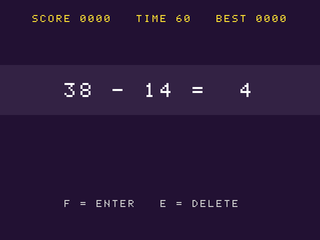
Math Sprint (keypad)
Verilog · PmodKYPD 4x4 keypad, VGA
Answer sums in 60 seconds: type the answer on the keypad, F = enter, E = delete. sw0 adds times tables. btnC starts.
Play ▸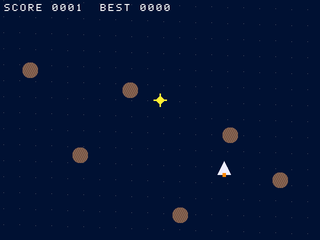
Rock Dodger (joystick)
Verilog · PmodJSTK joystick, VGA
Steer the ship with the joystick (drag the stick on the card, or keys I J K L, or a USB game controller), dodge rocks, grab stars. Stick press (H) = shield. btnC starts.
Play ▸
Pad Racer (SNES game pad)
Verilog · SNES/NES game pad, VGA
Start begins (Enter key or the pad card), Left / Right change lane, hold A (X key) to go faster. A USB game controller works too. No pad: btnL / btnR / btnU / btnC.
Play ▸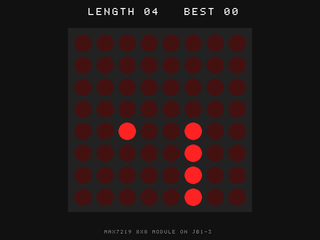
Matrix Snake (8x8 LED matrix)
Verilog · MAX7219 8x8 LED matrix, buttons
Arrow buttons steer the snake on the LED matrix (also shown big on the screen), eat the blinking dot. btnC starts, sw0 = faster.
Play ▸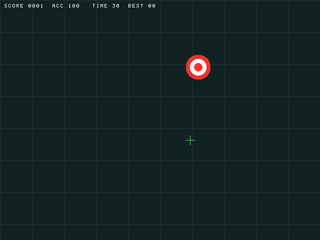
Aim Trainer (mouse)
Verilog · PS/2 mouse on the USB port, VGA
Click the targets with the mouse: move over the screen with the left button. Small targets score more. 30 seconds. btnC or right-click starts.
Play ▸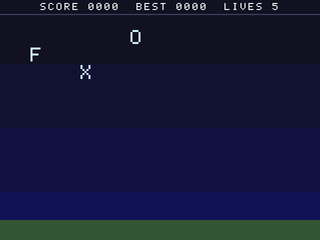
Typing Rain (keyboard)
Verilog · PS/2 keyboard on the USB port, VGA
Press F2 once so your keyboard goes to the FPGA, Space starts. Type the falling letters before they land (5 lives).
Play ▸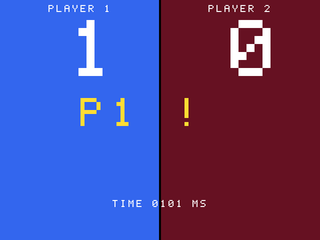
Reflex Duel (2 IR sensors)
Verilog · 2 IR obstacle sensors, VGA
Two players: wait for GO!, then wave over your IR sensor first (Z = player 1, X = player 2, or btnL / btnR). Too early is a foul. First to 5. btnC = new match.
Play ▸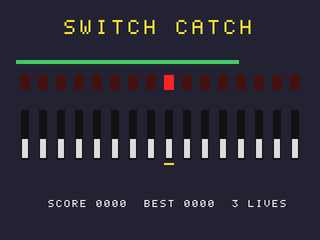
Switch Catch (board only)
Verilog · switches, LEDs, 7-segment, VGA
An LED lights: flip the switch right below it before the bar runs out (keys 0-9 toggle sw0-sw9, or click). Wrong or slow = lose a life. btnC starts.
Play ▸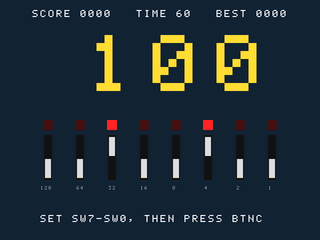
Binary Blitz (board only)
Verilog · switches, 7-segment, VGA
Set the number in binary on sw7..sw0 and press btnC. 60 seconds. btnU skips (costs 3 s). sw15 = hexadecimal mode.
Play ▸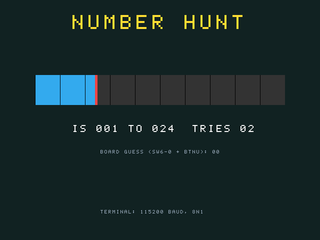
Number Hunt (serial terminal)
Verilog · USB-UART terminal 115200 baud, VGA
Type a guess (1-100) in the terminal (the UART card) and press Enter: TOO LOW / TOO HIGH. Or set sw6..sw0 and press btnU. btnC = new number.
Play ▸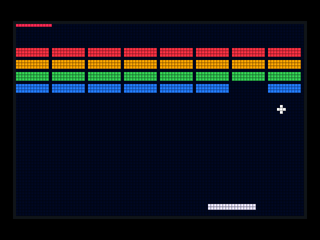
OLED Breakout (Pmod OLEDrgb)
Verilog · Pmod OLEDrgb 96x64 colour OLED, speaker
btnL / btnR move the paddle, btnC launches the ball (and restarts). 3 lives on the LEDs, score on the 7-segment display. sw0 = slower ball, sw15 = no sound.
Play ▸